19.3.1 Cloud Release Highlights
Features
UI Language - Arabic
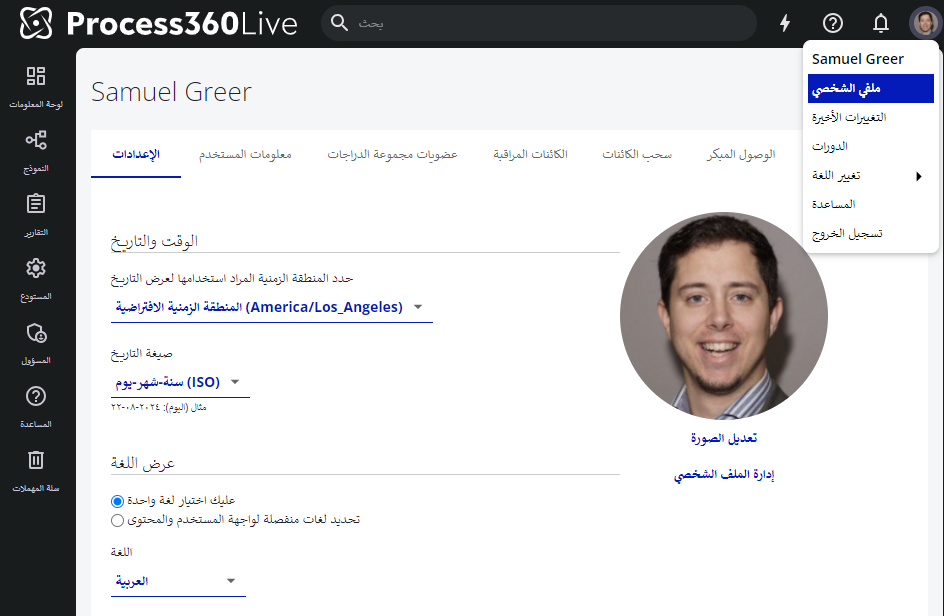
Users may select Arabic as a UI language in their profile settings. Click your profile image → My Profile, and scroll to the Language section.
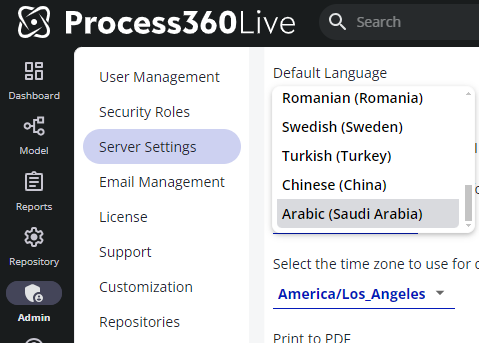
Admin’s may also set the default server server language to Arabic navigating to Admin → Server Settings → General Configuration, and scrolling to the Default Language setting.
Note: Arabic support does not support right to left language justification.