19.7.0 Cloud Release Highlights
Diagramming - Custom Properties Search Filter
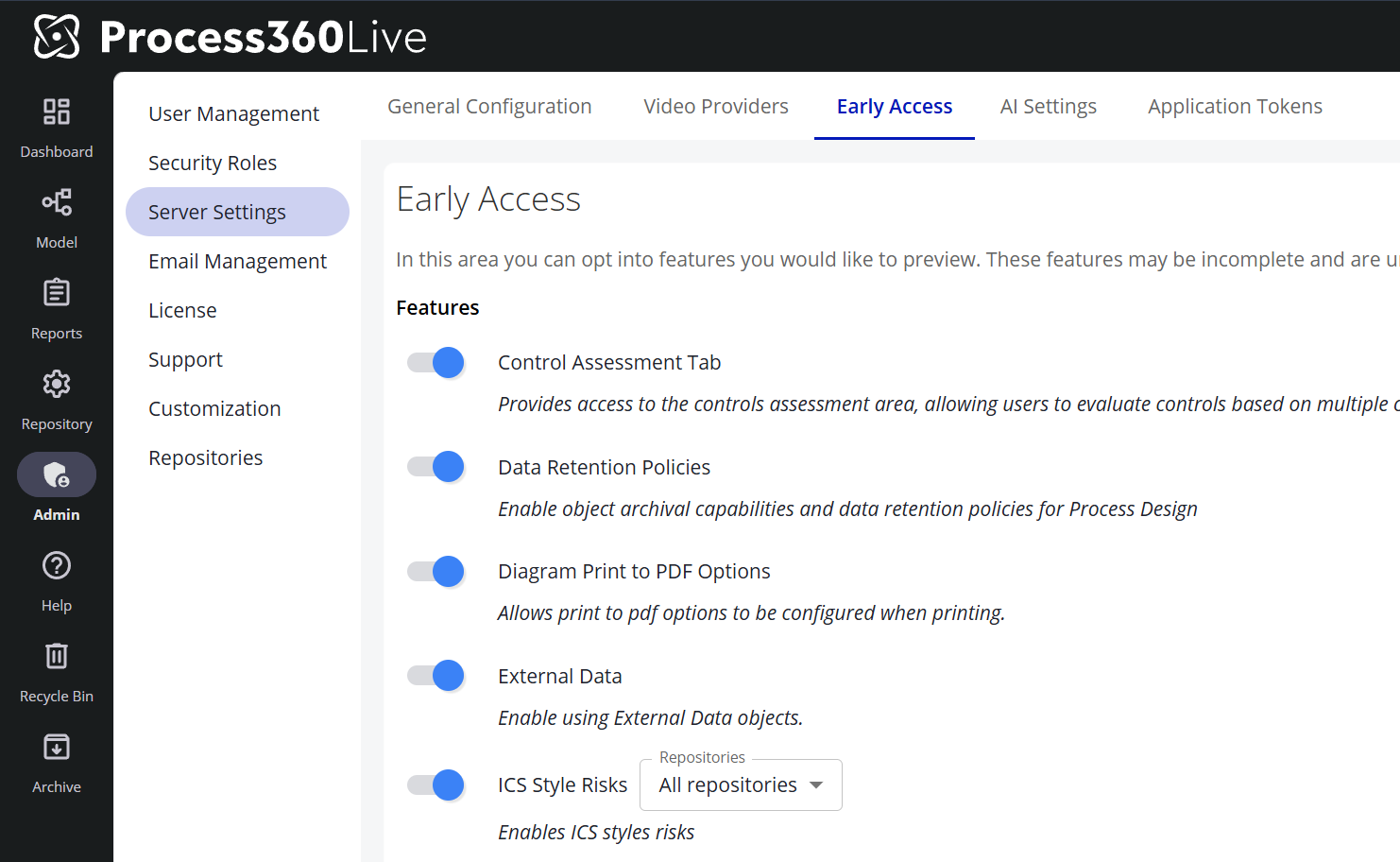
Search for and filter Custom Properties in the Custom Properties panel of diagrams to quickly view and work with the properties you need. By typing text into the Custom Properties search filter you can search for Custom Properties that include all or part of the search term in the Custom Property Name, Custom Property Description, or Custom Property Value. The Custom Property search filter will filter properties as you type, reducing the need to enter more search term criteria than required.
The Search Filter may be refined further by clicking on the Filter funnel to the right of the Search bar, which allows users to limit the search results to Diagram or Repository level Custom Properties.
Modeling - Custom Properties Relationships Sorted Alphabetically
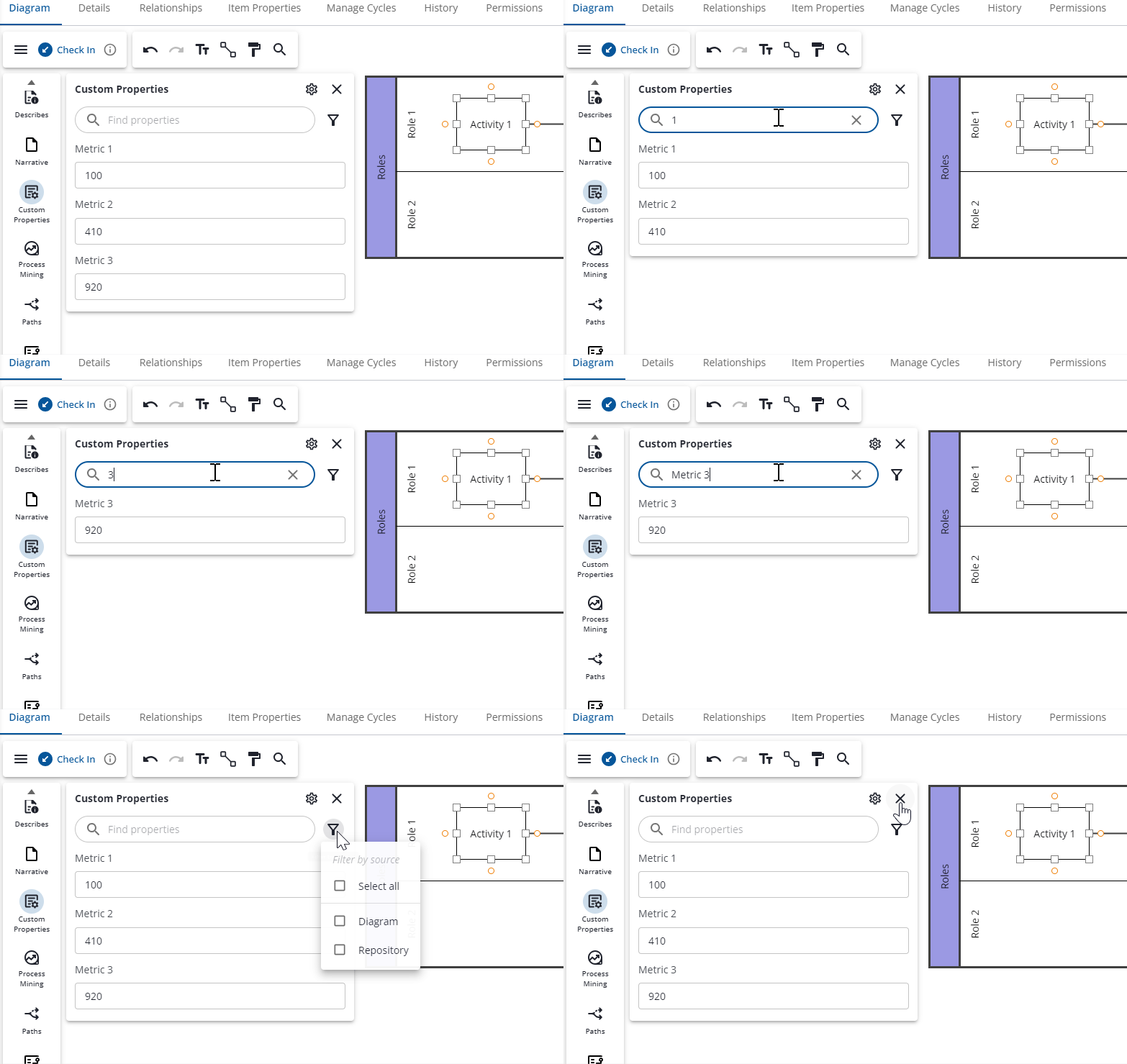
While modeling, such as on a Process Object on the Item Properties tab, establish relationships with other enterprise objects and see the resulting list sorted in alphabetical order. This enhancement improves readability and reduces time to understanding on the related objects.
Early Access
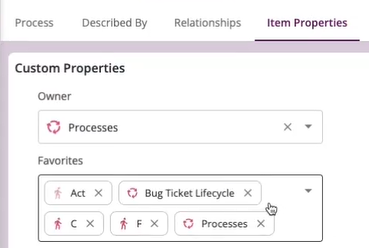
How to enable Early Access features
-
Go to Admin → Server Settings
-
Navigate to the Early Access tab. AI-related Early Access features (such as Pia Diagram Creation) live on the adjacent AI Settings tab and are toggled the same way.
-
Toggle the features you would like to enable
Note: Features with a ℹ️ icon are in General Access. These features are fully released; customers are provided a temporary window to disable these features to perform internal training and communications before the feature is permanently enabled.