18.1.1 Datacenter Release Highlights
 Diagram Area UI/UX Improvements
Fly-Out Menu Removed
The fly-out menu in the diagram view has been removed. You can now access the Diagram, Details, Relationships, Item Properties, and other tabs without having to first click into a menu.
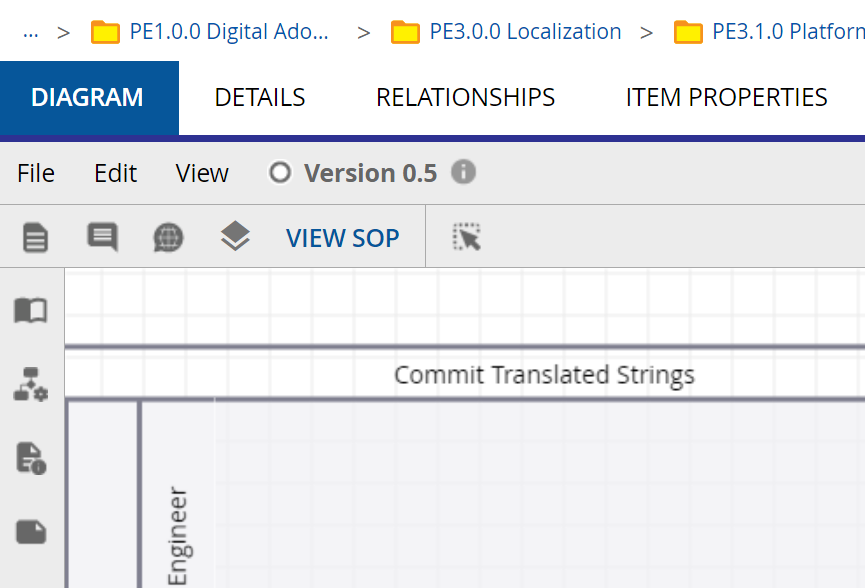
Diagram Panel Labels
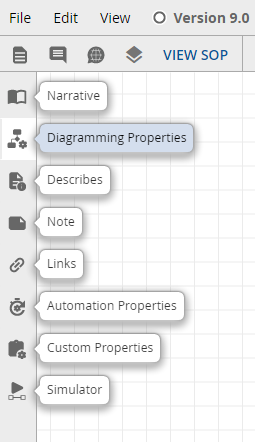
Quickly find and access diagram area features with the new panel labels.
 Proposed Object Requirements
The Describes panel now includes a Requirements link which displays the Summary information of Proposed Object Requirements. This feature provides convenient reference material when proposing or approving the creation of new objects. Architects are able to select Requirement objects for this purpose in the Policies section under Repository Configuration.
Instructions for creating a Proposed Object Requirement...
Create A Proposed Objects Requirement
-
In the Model area, access the Requirements folder
-
Add Object > Select Type > Requirement
-
Name the Requirement
-
In the Summary field, define what requirements you want to include for newly proposed objects. Text entered here will be accessible in the Describes panel
-
Adjust any other details
-
Click FINISH
-
Requirement objects are automatically approved for use
Instructions for updating Proposed Object Requirement policy...
Utilize A Requirement In Repository Policies
-
Main Menu > Repository Configuration > Policies
-
Scroll down to the Modeling section
-
Proposed Object Requirements
-
Click CHOOSE REQUIREMENTS
-
Search for the relevant Requirement objects, more than one can be selected
-
Click CONFIRM SELECTION
-
You will find your selected Requirements listed, where they can be accessed or removed
Instructions for accessing Requirements in the Describes panel...
Access Requirements In The Describes Panel
-
Access a checked-out diagram
-
Open the Describes Panel
-
Click NEW OBJECT
-
To the right of Proposed Object there is now a Requirements link
-
Click Requirements
-
The Summary information of the Requirement(s) selected in Policies will appear
 Custom Themes
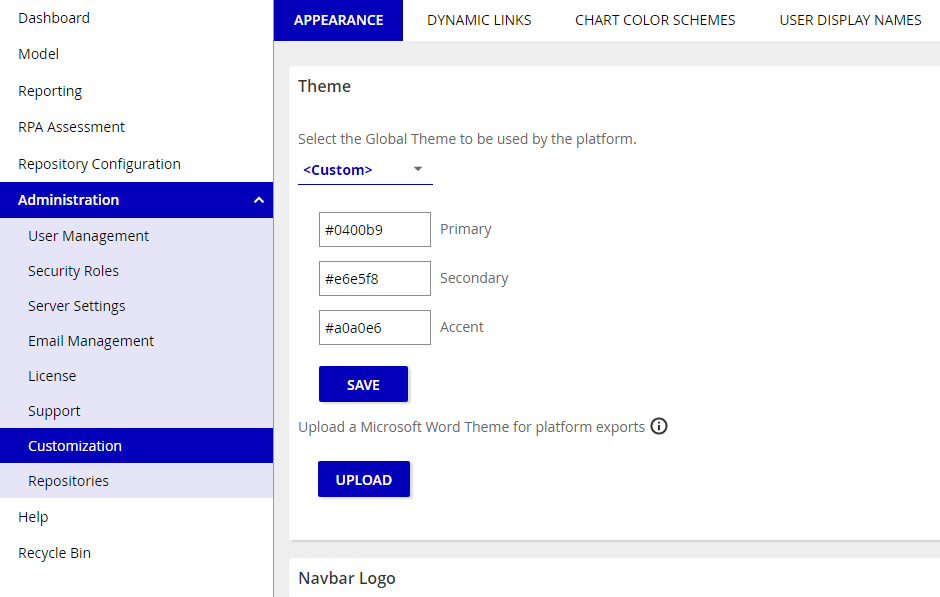
Administrators can now create new global and repository level themes with any hexadecimal values they want. This means that iGrafx themes can be customized to match your organization's branding, look, and feel.