Chapter 2.3: Lane-based RACI
Proposing New Objects automatically assigns relationships
- Add a new shape to your diagram
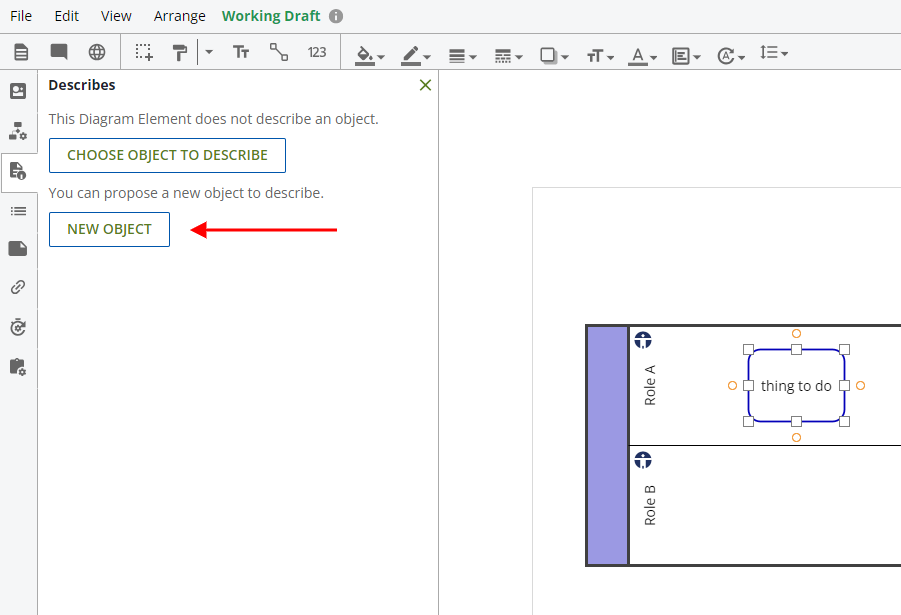
- Open the Describes panel
- With your shape selected, click on New Object to propose a new object that the shape will describe
- The proposed object will automatically be assigned a Responsible relationship based on the Lane that it is positioned in.
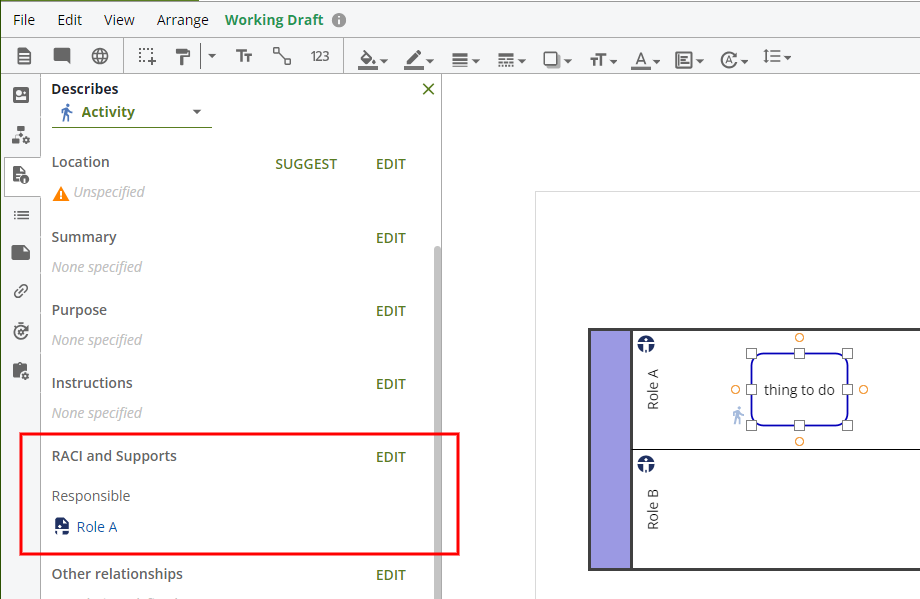
- This applies to a relationship if the Lane is set up to describe some existing object. If the Lane does not describe anything, then no relationship will be available to assign.
- Note: Lane-based RACI does not work with proposed objects.
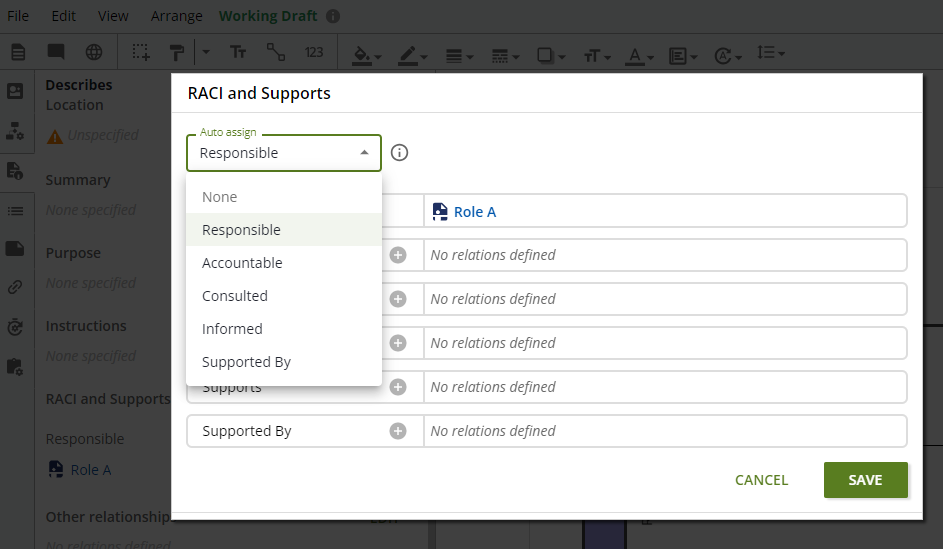
- The default assignment is for the Responsible relationship, but this can be changed by clicking Edit
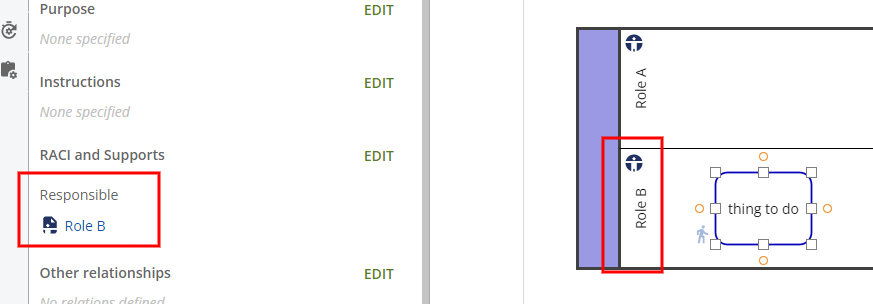
- When moving the shape between different Lanes, the relationship will automatically update based on the new Lane.