Chapter 2.5: Process Owner
Setting a process owner
- The new field can be found in the details tab, under the name display. Clicking the grey chip will open a dialog for selecting a user. Once a user has been selected, that user's display name and email (if available) will be shown.
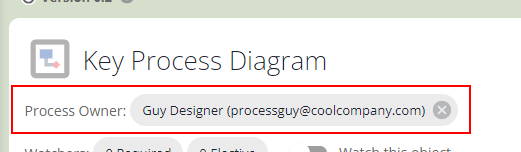
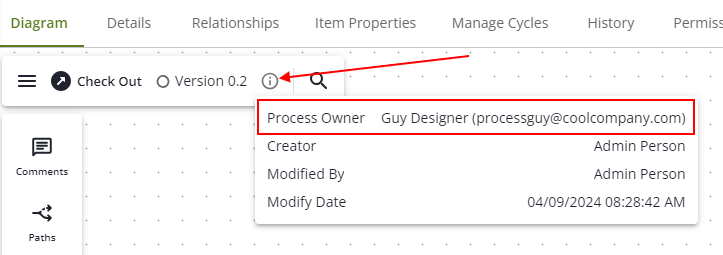
Diagram info popup
- If a user has been assigned as a process owner, it will become available in the diagram's info popup as well.
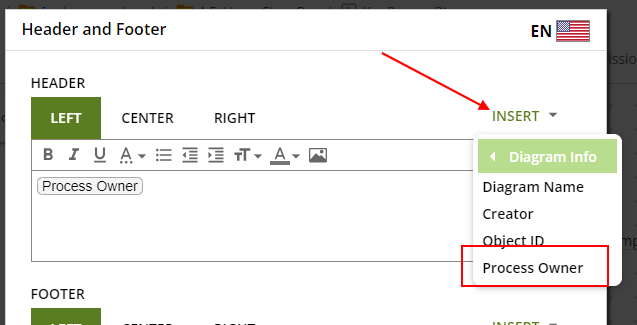
Header and Footer
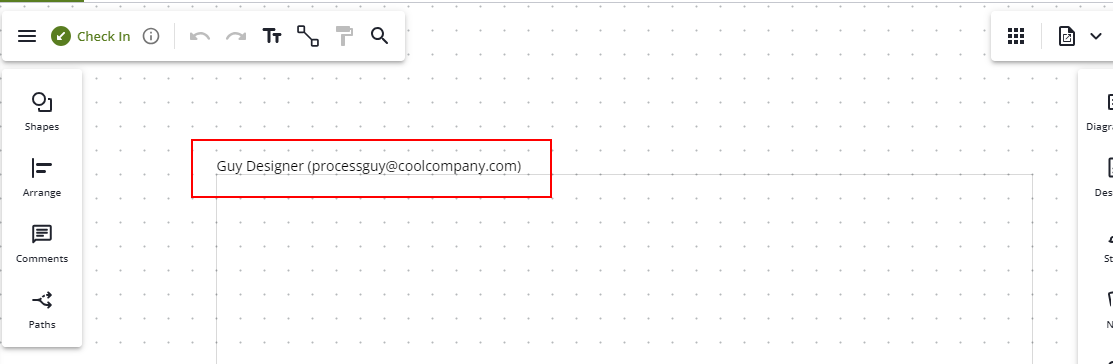
- Diagram headers/footers also have a tag for displaying the process owner.
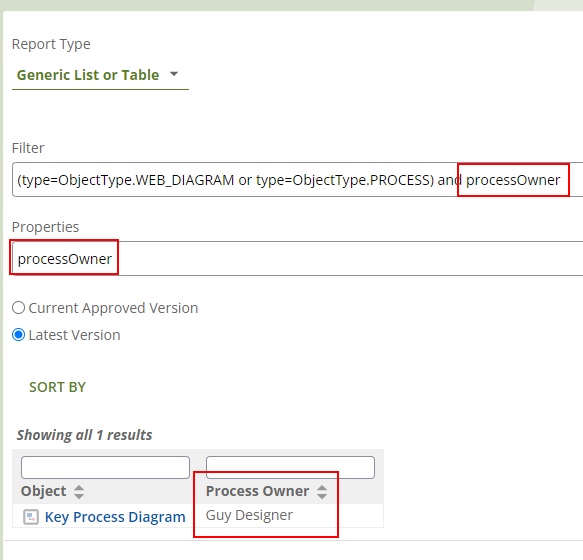
Reporting
- Reports have access to processOwner as a filter and property. (The email for the user is not available within reports, however.)